Sample trivia book pages
These are real interior pages exported from Trivia Book Generator — no mockups, no retouching. Every page below came straight out of the PDF export, at the same trim size, fonts, and spacing you'd upload to Amazon KDP.
A finished trivia book usually includes a clickable contents page, a short opener for each category, the question pages themselves, and an answer key with optional fun-fact explanations. You choose the order, the fonts (10 embedded options), the body size (12–18 pt, so large print is built in), and whether answers appear after each category or in one section at the back.
Scroll through the examples to see how each part of the book looks, then download the sample PDF to check the layout on your own screen or printer.
From "Wine In the Making"
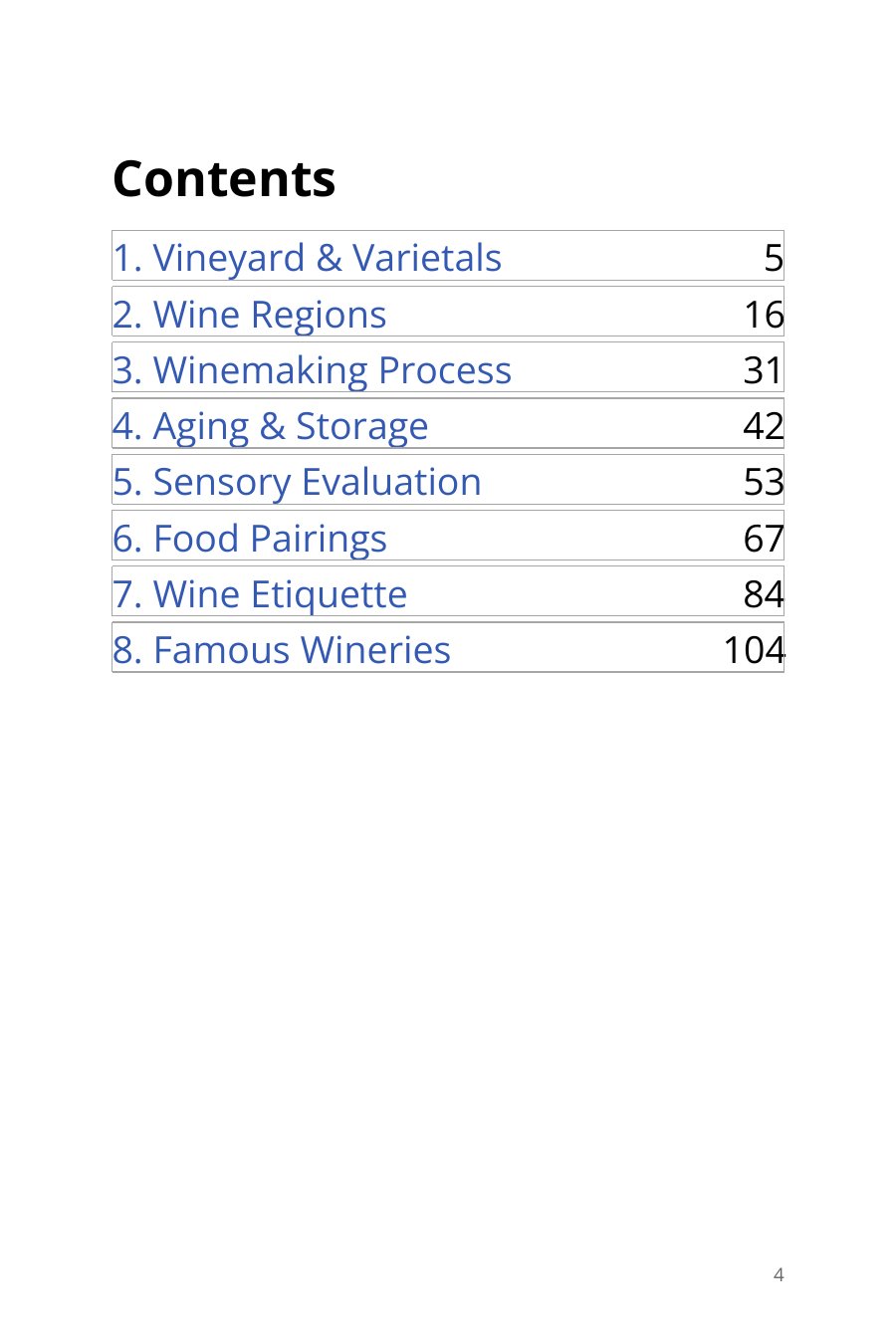
Clickable contents
Every category is listed with its page number, built for you automatically. In the PDF each line can link straight to its section.
From "Caribbean Trivia"
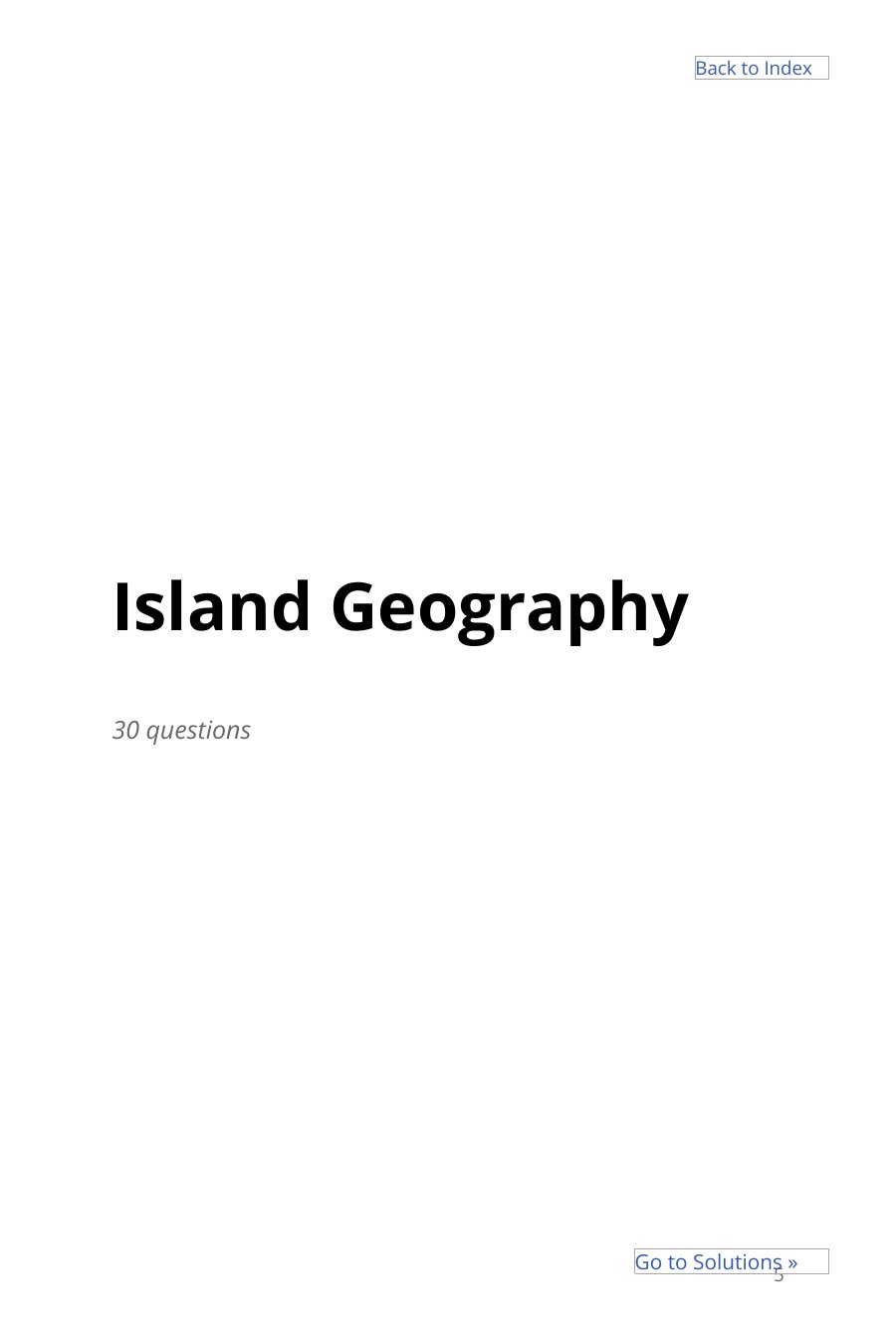
Category opener
Each category starts on its own page with the question count and a jump to its answers.
From "Pop Culture 1990s"
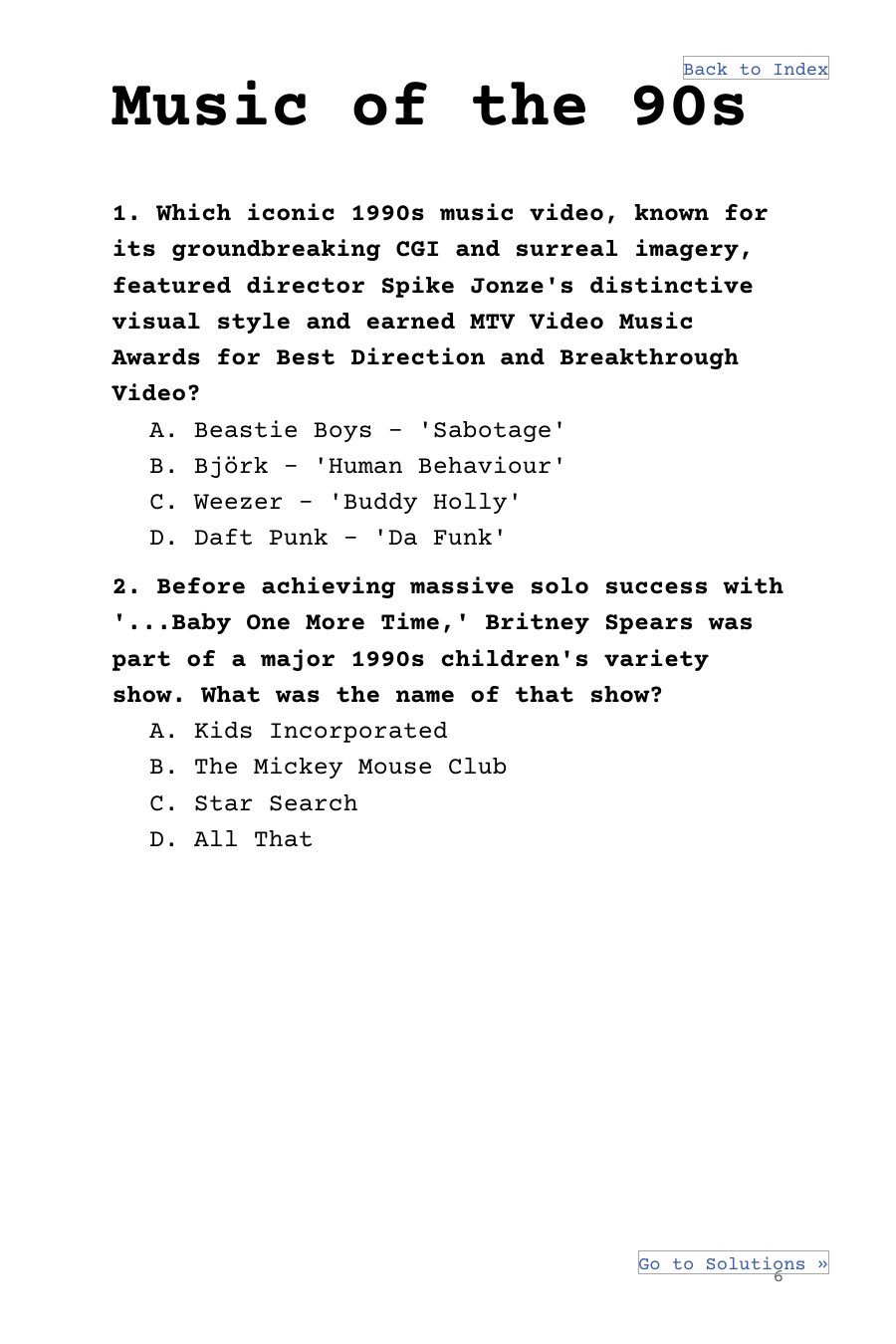
Multiple-choice questions
Numbered questions with lettered choices, in any of 10 fonts and sizes up to 18pt large print.
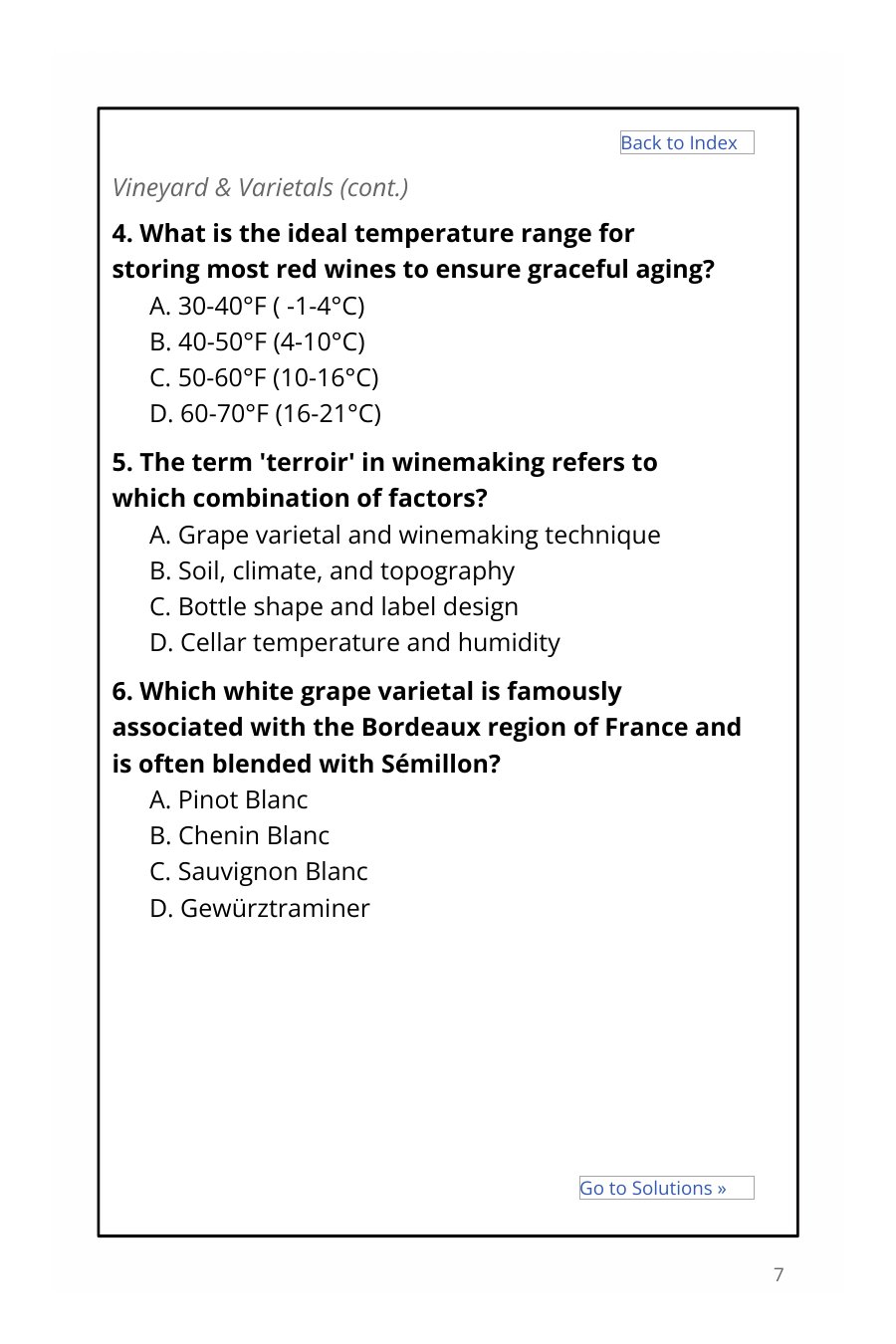
From "Wine In the Making"
Bordered layout
Add a page border and repeat the category name on every page so readers never lose their place.
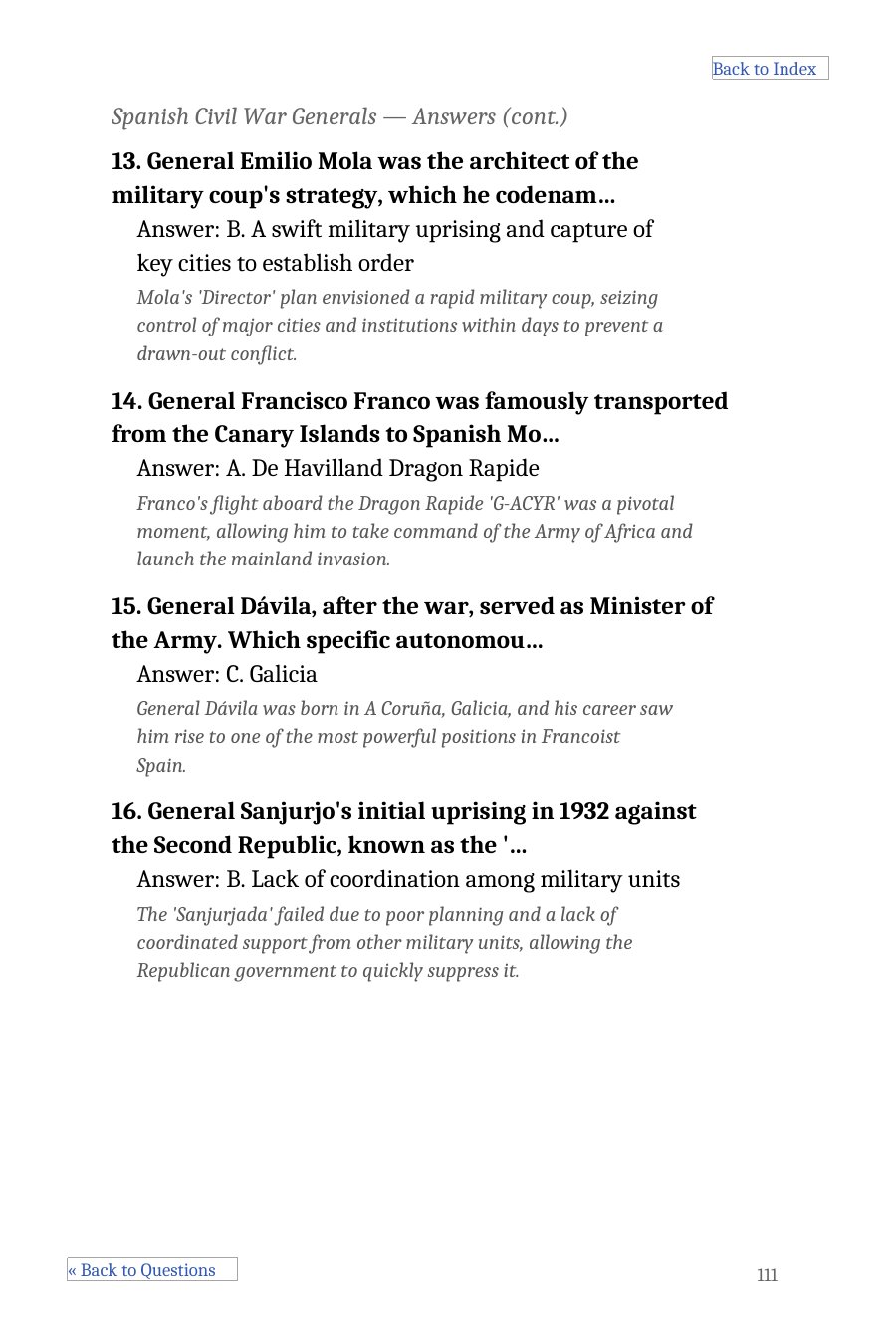
From "Spain Pub Quiz for Adults"
Answer key with explanations
Answers are grouped by category at the back of the book, with an optional short explanation under each one.
Also included
- Copyright and introduction pages
- An optional Final Thoughts page
- An optional QR-code sign-up page
- Your own image or blank pages, anywhere in the book
- Print-ready PDF and editable DOCX exports
- KDP trim sizes with embedded fonts
The site builds text and layout only. It doesn't create artwork, so you add your own images.
Make a book that looks like this
A free account gets you the editor, preview, and PDF export. AI question generation is a Pro feature.